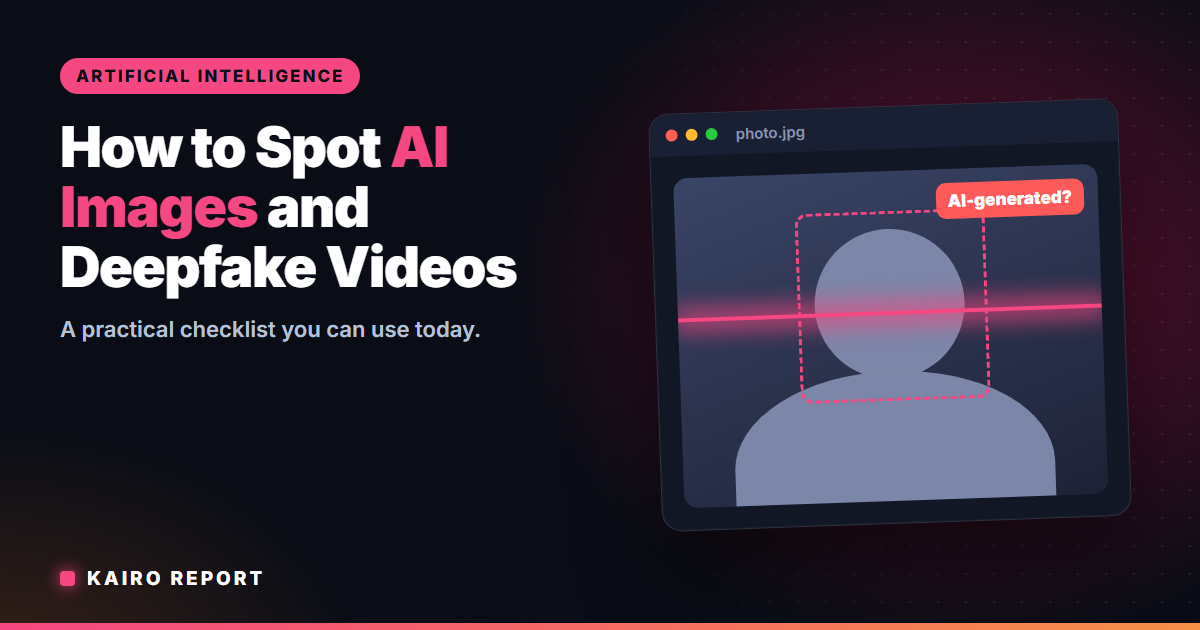

A shocking photo goes viral, a video shows a public figure saying something outrageous, and within hours millions of people have shared it. Some of these are real and some are made with AI. This guide shows you how to check images and videos methodically, so you can make a sensible call before you share, react or believe.
Why Your Eyes Alone Are Not Enough
Early AI images were easy to catch: mangled hands, melted text, faces that looked like wax. Modern image and video generators have fixed many of those flaws, and they keep improving. Any list of “tells” has a short shelf life.
That is why the most reliable approach combines three kinds of evidence: what you can see in the media itself, what you can learn about where it came from, and whether trustworthy sources confirm it. A visual clue can raise suspicion, but context and provenance usually settle the question.
A quick note on terms. A deepfake is media, usually video or audio, in which someone’s face, body or voice has been synthetically generated or swapped. AI-generated images are pictures created from scratch by a model from a text description. The verification methods overlap heavily.
Visual Clues in Images, Video and Audio
In still images
These clues are worth checking, but treat them as reasons for suspicion, not proof. Real photos can have odd details too, especially after heavy compression or editing.
- Text and signs. Look at shop signs, labels, licence plates and posters in the background. AI often produces letters that almost form words, or text that changes style mid-word.
- Hands, teeth, ears and jewellery. Still a common weak spot: fingers that merge, earrings that do not match, teeth that blur into a single band.
- Too-perfect surfaces. Skin with no pores, hair that looks airbrushed, and a glossy, evenly lit “stock photo” feel across the whole image.
- Background logic. Railings that stop for no reason, windows that do not line up, crowds where faces dissolve into smudges, objects merging into one another.
- Lighting and shadows. Shadows falling in different directions, reflections in glasses or windows that do not match the scene.
- Physics and anatomy. Clothing that blends into skin, limbs at impossible angles, objects floating without support.
Zoom in. Many problems only appear at full resolution, in the corners and background rather than on the main subject the generator focused on.
In deepfake videos and cloned audio
Video adds movement and sound, which gives you more to check:
- Mouth and speech. Lip movements that drift out of sync with the words, or a mouth area that looks blurrier than the rest of the face.
- Face edges. Flickering or shimmering where the face meets hair, ears or neck, especially when the person turns their head.
- Blinking and expression. Unnatural blinking patterns, or emotions in the voice that do not show on the face.
- Occlusion. When a hand or object passes in front of the face, swapped faces sometimes glitch or briefly reveal the original.
- Voice quality. Cloned voices can sound flat, oddly paced, or lack natural breathing. Background sound may be suspiciously clean or not match the setting.
Watch at reduced playback speed and pause on frames where the head moves quickly. Low-resolution clips hide these artefacts, which is one reason fakes are often shared in poor quality.
Context Checks: Often the Fastest Answer
Before you study pixels, ask questions about the post itself. These checks frequently resolve the matter in a minute or two.
- Who posted it first? Is it a known news outlet, an official account, or an anonymous account created recently?
- Is anyone credible reporting it? A genuinely major event will be covered by multiple established news organisations within hours.
- Does it fit what is known? Check whether the person was actually in that place at that time, and whether weather, season and landmarks match.
- What does it want from you? Media designed to make you furious, frightened or eager to share instantly deserves extra scrutiny. So does anything linked to a giveaway, investment or urgent donation.
- Is it labelled? Some platforms add “AI-generated” or “made with AI” labels, and some creators disclose it in captions or hashtags. Absence of a label proves nothing, though.
Reverse Image Search and Keyframes
Reverse image search lets you upload an image (or paste its address) to find where else it appears online. It is one of the most powerful verification tools available to ordinary users.
Widely used options include Google Lens, Bing Visual Search, TinEye and Yandex Images. Each indexes the web differently, so try more than one if the first finds nothing.
What to look for in the results:
- An older original. If the image appeared years ago in a different context, it is being recycled, whether or not AI is involved.
- The creator’s page. AI art is often posted first on a creator’s social profile or an AI image community, sometimes clearly labelled.
- Fact-checks. Professional fact-checkers may already have investigated it.
- Variations. Several near-identical versions with small differences can suggest generation or editing.
For video, take screenshots of a few distinctive frames (keyframes) and reverse search those. Browser extensions built for journalists, such as the InVID-WeVerify plugin, can extract keyframes and run searches for you.
Provenance and Content Credentials
Provenance means the documented history of a piece of media: who made it, with what tool, and how it was edited. The most important effort here is the C2PA standard, often shown to users as Content Credentials.
Content Credentials attach signed metadata to a file recording how it was created and changed. Some cameras, editing apps and AI image generators can add them, and some platforms display a small “CR” icon or an information panel when they are present. You can also upload a file to a Content Credentials inspection tool to view any credentials it carries.
Separately, some AI companies embed invisible watermarks in generated content, such as Google’s SynthID. These can be checked only with the provider’s own tools.
Understand the limits:
- Credentials and metadata are often stripped when an image is screenshotted, re-uploaded or compressed by social platforms.
- Many tools and cameras do not add them at all.
- So missing credentials do not mean an image is fake, but valid credentials showing a camera origin and edit history are a strong positive signal.
The Limits of AI Detector Tools
Online “AI detectors” promise to tell you whether an image or video is synthetic. They can be one input, but they should never be your only evidence.
| Method | Strengths | Weaknesses |
|---|---|---|
| Visual inspection | Free, instant, needs no tools | Newer generators leave fewer visible flaws |
| Context checks | Often decisive; works on any media | Takes judgement; fast-moving stories may lack coverage at first |
| Reverse image search | Finds originals, recycled media and fact-checks | New content may have no earlier copies |
| Content Credentials | Strong evidence when present and valid | Frequently missing or stripped |
| AI detector tools | Quick second opinion | False positives and negatives; struggle with compressed or new-model content |
Detectors are trained on examples from known generators, so they can miss content from newer models. Compression, cropping and filters can confuse them, and they sometimes flag genuine photos as fake. A “98% AI” result is a probability estimate from one tool, not a verdict.
A Step-by-Step Verification Routine
Use this routine whenever something surprising appears in your feed, group chat or inbox:
- Pause. Do not share, comment or act while you are feeling a strong emotion about it.
- Find the original source. Trace the post back to the first account that published it.
- Check for credible coverage. Search the key claim alongside the names of reputable news outlets or the word “fact check.”
- Run a reverse image search on the image or on video keyframes, using at least two services.
- Inspect the media closely at full size: text, hands, edges, shadows, lip sync.
- Look for provenance such as Content Credentials or platform AI labels.
- Use a detector only as a tiebreaker, and weigh it lightly.
- Decide honestly. If you cannot confirm it, treat it as unverified and do not pass it on as fact.
For voice calls or video messages asking for money or urgent action, even from someone you know, hang up and contact the person through a number or channel you already trust.
Related reading on Kairo Report
- AI Hallucinations: Why Chatbots Confidently Make Things Up
- Instagram Tightens Rules on AI Influencers Who Pretend to Be Human
Key Takeaways
- Visual flaws are useful hints but are disappearing as generators improve.
- Context and source checks are often the fastest way to expose a fake.
- Reverse image search finds originals, recycled media and existing fact-checks.
- Content Credentials are strong evidence when present, but their absence proves nothing.
- AI detectors make mistakes in both directions; never rely on them alone.
FAQ
Can I tell if a photo is AI-generated from its metadata?
Sometimes. Some generators write identifying metadata or Content Credentials into files. But metadata is easily removed and is usually stripped by social platforms, so its absence tells you very little.
Is every edited photo a deepfake?
No. Cropping, colour correction and ordinary retouching are not deepfakes. The concern is synthetic or manipulated content presented as a genuine record of something that happened.
What should I do if I already shared a fake?
Delete the post if possible, and add a short correction where your audience will see it. Correcting quickly limits further spread and is nothing to be embarrassed about.
How can I protect myself from voice-clone scams?
Agree on a family code word for emergencies, be wary of urgent requests for money or secrecy, and always call back on a number you already know before acting.